Integrating with Python
This page gives some examples of integrating mappyfile into Python based work flows.
Displaying Geometry
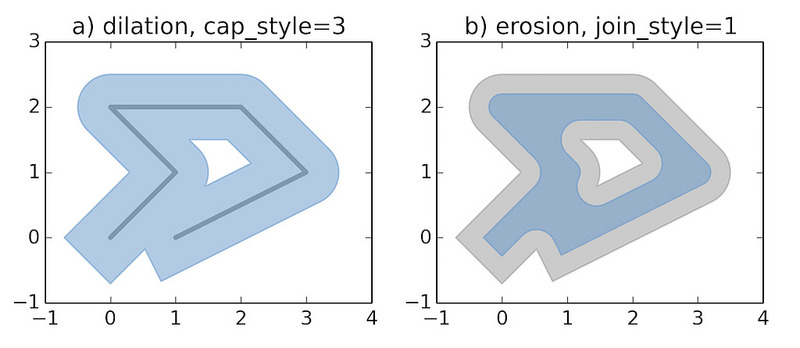
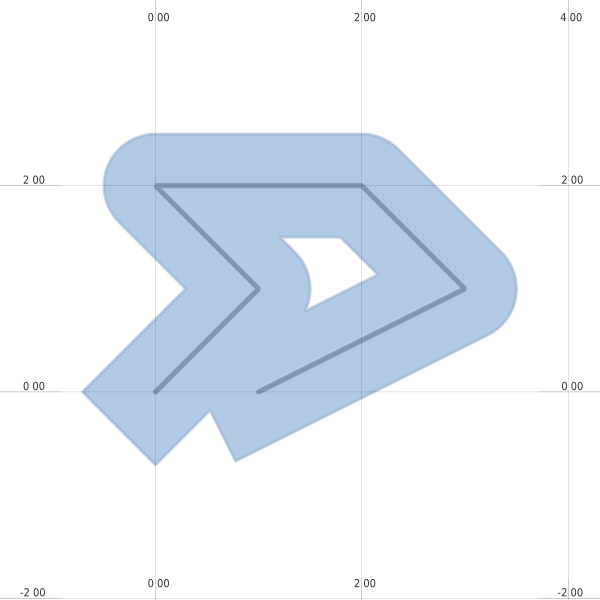
The examples below recreates the sample images used in the Shapely documentation.
See geometry.py and geometry.map.
mapfile["size"] = [600, 600]
Dilated
def dilation(mapfile):
    line = LineString([(0, 0), (1, 1), (0, 2), (2, 2), (3, 1), (1, 0)])
    ll = mappyfile.find(mapfile["layers"], "name", "line")
    assert ll is not None
    ll["features"][0]["wkt"] = line.wkt

    dilated = line.buffer(0.5, cap_style=3)
    pl = mappyfile.find(mapfile["layers"], "name", "polygon")
    assert pl is not None
    pl["features"][0]["wkt"] = dilated.wkt

    mapfile["extent"] = " ".join(map(str, dilated.buffer(0.8).bounds))
    return dilated
Eroded
def erosion(mapfile, dilated):
    """
    We will continue to work with the modified Mapfile
    If we wanted to start from scratch we could simply reread it
    """
    ll = mappyfile.find(mapfile["layers"], "name", "line")
    assert ll is not None
    ll["status"] = "OFF"

    pl = mappyfile.find(mapfile["layers"], "name", "polygon")
    assert pl is not None

    # make a deep copy of the polygon layer in the Map
    # so any modification are made to this layer only
    pl2 = deepcopy(pl)

    pl2["name"] = "newpolygon"
    mapfile["layers"].append(pl2)

    dilated = dilated.buffer(-0.3)
    pl2["features"][0]["wkt"] = dilated.wkt

    style = pl["classes"][0]["styles"][0]
    style["color"] = "#999999"
    style["outlinecolor"] = "#b2b2b2"
Animated Buffers
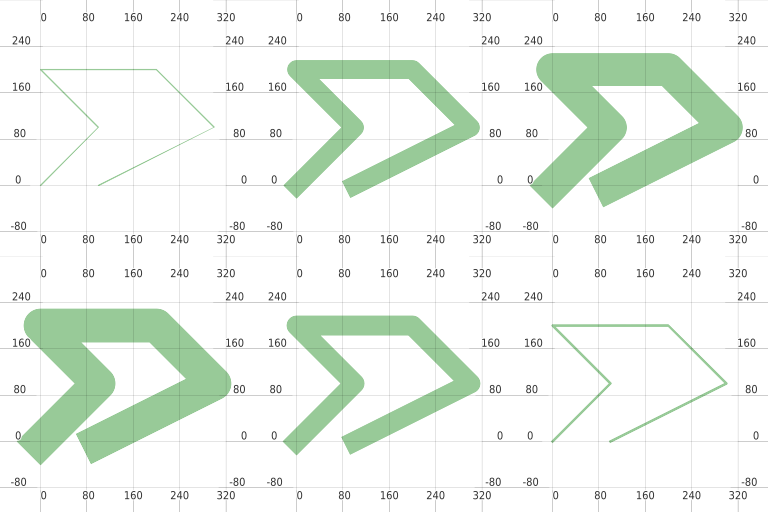
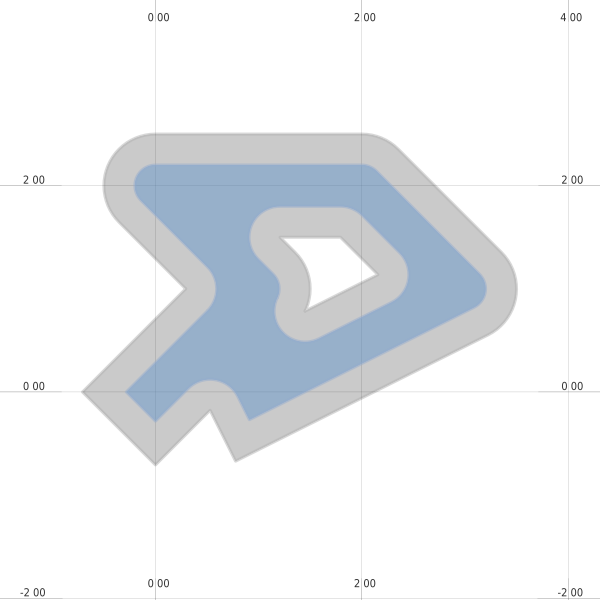
See animated_buffer.py and animated_buffer.map.